By Jackie Dorner
•
March 3, 2026
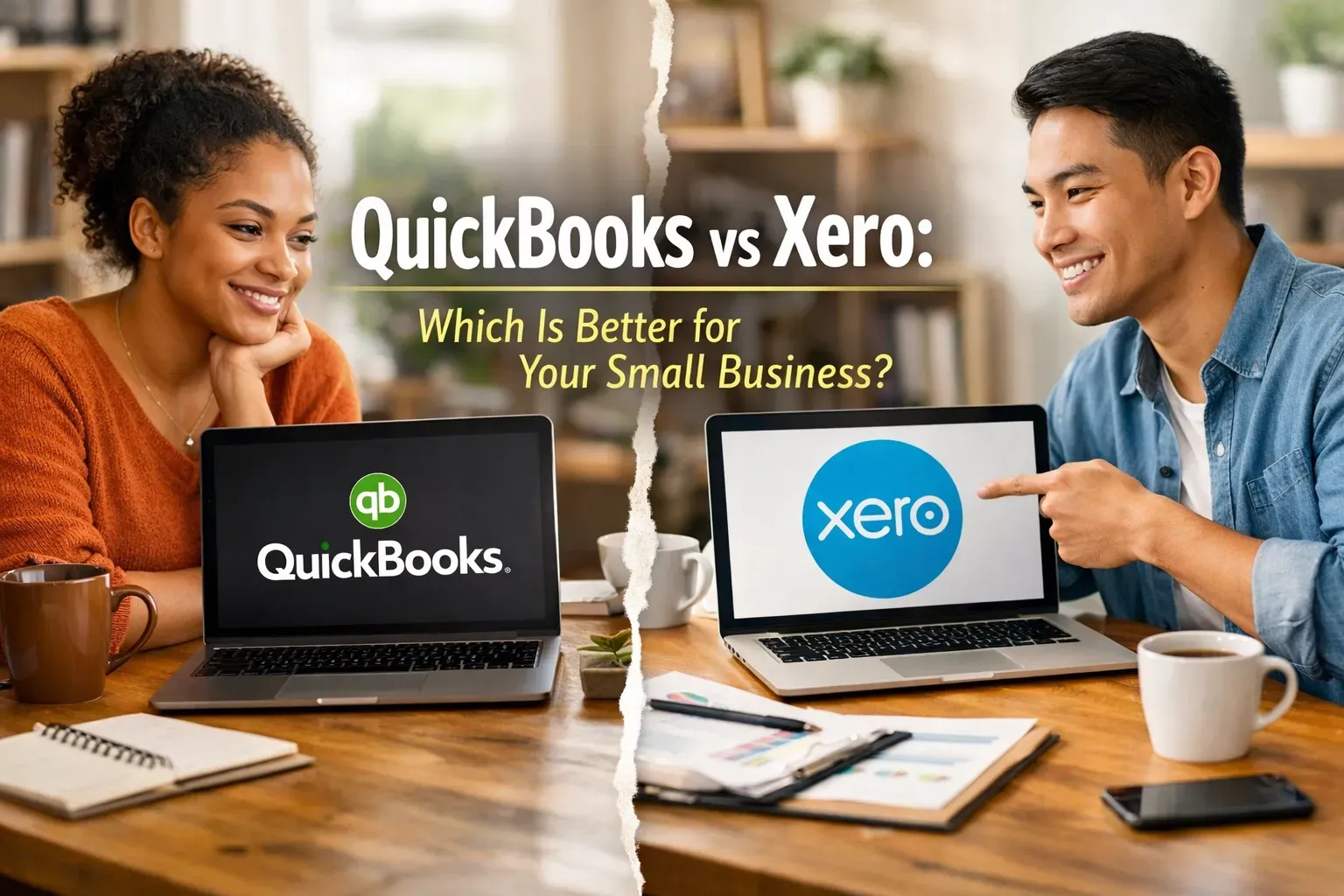
Choosing the right accounting software for your small business can feel a lot like trying to pick a favorite child, or, more accurately, like trying to pick between a Swiss Army knife and a high-end power tool. You know you need one to survive, but the sheer number of features, pricing tiers, and "expert" opinions can make your head spin. If you’ve been searching for a way to streamline your finances, you’ve likely narrowed it down to the two big titans: QuickBooks Online and Xero . Both are incredible cloud-based platforms that can transform your messy shoebox of receipts into a streamlined financial engine. But which one is actually right for your specific workflow? At DornerLand Bookkeeping, I see business owners in Buffalo, Rochester, and beyond struggle with this choice every day. Whether you’re just starting out or you’re looking to scale, the platform you choose will be the backbone of your financial health. Let’s break down the pros, the cons, and the "oh-no-how-do-I-fix-this" moments for both, so you can stop stressing and get back to running your business. The "Big Picture" Comparison Before we dive into the weeds, it’s important to understand that neither of these programs is "bad." In fact, they are the industry leaders for a reason. They both offer automatic bank feeds, cloud access so you can check your numbers from your phone, and the ability to invite your virtual bookkeeper to collaborate in real-time. However, they have very different "personalities." QuickBooks is the established veteran, it’s deep, robust, and preferred by the vast majority of accountants in the US. Xero is the sleek, modern challenger, it’s intuitive, emphasizes a clean user interface, and offers a unique "unlimited users" model that many growing teams love. QuickBooks Online: The 800-Pound Gorilla QuickBooks is essentially the industry standard. If you walk into almost any accounting firm in Orchard Park or Amherst, they’re going to ask for your QuickBooks login. The Pros of QuickBooks Reporting Depth: If you love data, QuickBooks is your best friend. It offers a massive array of pre-built reports. From detailed Profit & Loss statements to specialized sales tax tracking, the level of customization is hard to beat. Built-in Ecosystem: Everything is under one roof. QuickBooks has its own integrated payroll, time tracking (via TSheets/QuickBooks Time), and even merchant services for accepting payments. Accountant Familiarity: Because it’s so popular, finding someone to help you with QuickBooks training is easy. Most tax professionals are built to work within the QuickBooks ecosystem, which can save you a lot of back-and-forth during tax season. Advanced Inventory: For businesses that sell physical products and need to track multiple warehouses or serial numbers, QuickBooks’ higher-tier plans are generally more robust than Xero’s native offerings. The Cons of QuickBooks The Learning Curve: Because it does everything , the interface can feel a bit cluttered. It’s easy to get lost in the menus if you don’t know exactly where you’re going. User Limits: QuickBooks limits the number of users based on your plan. If you have a larger team that needs access to bill pay or invoicing, you might find yourself forced into a more expensive monthly subscription. Xero: The Modern, User-Friendly Alternative Xero entered the market with a mission to make accounting "beautiful." While "beautiful" isn't usually the first word people use for bookkeeping, Xero actually comes close. Its dashboard is clean, and its logic is often more intuitive for people who aren't trained accountants. The Pros of Xero Unlimited Users: This is a huge selling point. Regardless of which plan you’re on, you can add as many users as you want. This is perfect for businesses that want their sales team, office manager, and owner all to have varying levels of access without paying extra. Clean Interface: The dashboard gives you a high-level view of your bank balances, outstanding invoices, and upcoming bills without looking like a spreadsheet exploded on your screen. App Integrations: Xero has a massive "App Store" with over 1,000 integrations. If you use a specific CRM, inventory tool, or project management software, there’s a good chance it syncs perfectly with Xero. Global Mindset: If your business handles a lot of multi-currency transactions, Xero’s handling of foreign exchange rates is often cited as being smoother and more automated than QuickBooks. The Cons of Xero Reporting Limits: While Xero has great reports, they aren't quite as customizable as QuickBooks. If you need hyper-specific, granular data, you might find it a little restrictive. Less Common in the US: While it’s growing fast, some local tax preparers might not be as familiar with it. This is where having a virtual bookkeeper who specializes in Xero training (yes, we do both!) becomes a lifesaver. How to Choose Based on Your Workflow Still on the fence? Let's look at a few common scenarios. Scenario A: You’re a Solo Service Provider If you’re a consultant or freelancer in Niagara Falls and just need to send invoices and track expenses, both will work. However, Xero’s lower-tier plans are often more affordable if you have a low volume of transactions. If you plan on growing quickly and want the most "standard" setup possible, QuickBooks is a safe bet. Scenario B: You Have a Growing Team If you need five different people to log in and perform different tasks (one person for accounts payable , another for invoicing, and another for payroll entry ), Xero’s "unlimited users" model will save you a significant amount of money every month. Scenario C: You Need Robust Financial Reports If you are someone who checks their financial reports every single morning and wants to slice and dice data by location, class, or project, QuickBooks is likely the winner. Its reporting engine is designed for deep dives. Why Setup Matters More Than the Software Here is the secret that most software companies won't tell you: The software is only as good as the person setting it up. I’ve seen business owners choose QuickBooks because "everyone uses it," only to end up with a chart of accounts that looks like a disaster zone. I’ve seen people choose Xero for its beauty, only to realize they haven't reconciled their bank feeds in six months. Whether you choose QuickBooks or Xero, the "Problem-Solution" usually looks like this: Problem: You spend 10 hours a month struggling with financial data entry and still aren't sure if your numbers are right. Solution: Professional setup and training. At DornerLand Bookkeeping, we don't just hand you a login and wish you luck. We offer expert QuickBooks training and Xero setup to ensure your bank feeds are mapped correctly, your invoices look professional, and you actually know how to read your Profit & Loss statement. Recap: QuickBooks vs. Xero at a Glance QuickBooks Online: Best for: Deep reporting, US-based accountant preference, and businesses needing all-in-one payroll/inventory. Saving Time: Excellent automation for recurring invoices and bill reminders. Cost Factor: Can get pricey as you add users or advanced features. Xero: Best for: Unlimited users, modern interface, and businesses using many third-party apps. Improving Efficiency: Intuitive bank reconciliation that feels more like a game than a chore. Cost Factor: Great value for teams; multi-currency is handled exceptionally well. Stop Guessing and Start Growing Choosing between these two doesn't have to be a permanent "marriage." However, moving your data later can be a headache, so it’s worth taking the time to choose the one that fits your workflow today and where you want to be in three years. If you’re feeling overwhelmed, don't sweat it! You don't have to make this decision alone. Whether you’re looking for a virtual bookkeeper to take it all off your plate or you just need some one-on-one training to get your DIY books back on track, I'm here to help. We serve clients locally in Clarence, Buffalo, and Orchard Park, as well as virtually across the country. Let’s get your books cleaned up and your software working for you, not against you. Ready to find the perfect fit for your business? Contact us today for a consultation. We’ll look at your current workflow and help you decide whether QuickBooks or Xero will give you the peace of mind you deserve. Let’s make your bookkeeping the easiest part of your business day!